Microsoft 365 · Custom integration
Build AI agents for SharePoint.
We develop AI agents for companies that want to search SharePoint documents, prepare answers with sources and handle cases across systems. We start with a specific workflow in your Microsoft 365 environment, then plan and build the integration it needs.
For business teams and IT: from a workflow to the right integration.
Arrange a first call30 minutes, free and without obligation. We reply personally by email.
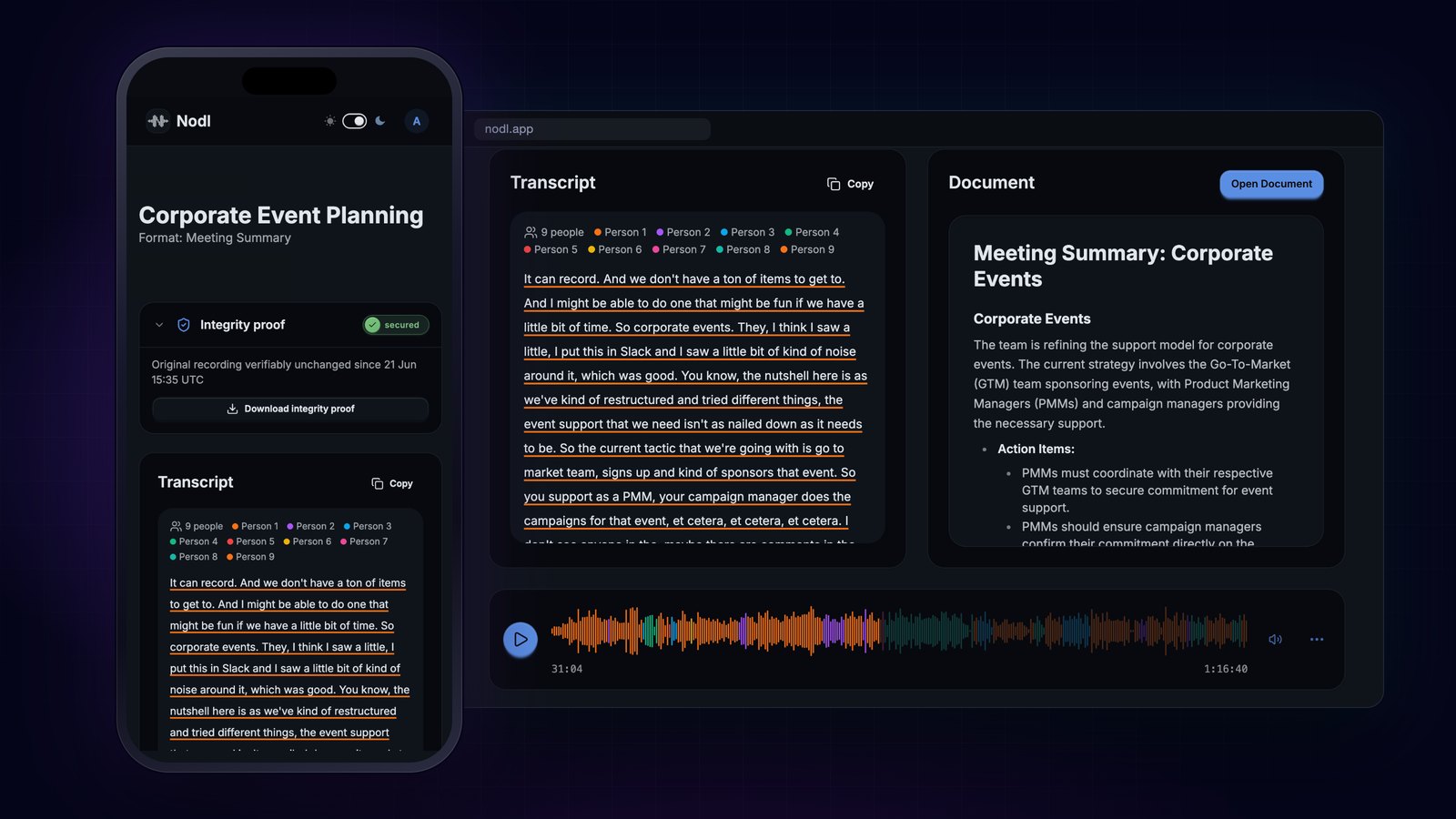
Our own product · Nodl
Spoken notes become structured documents.
Explore Nodl →Tasks an agent could handle with your project documents.
Prepare answers with sources
The agent finds relevant passages in approved SharePoint documents and prepares an answer. Your team can open the source and check the information for its work.
Bring project information together
Information from several documents is brought into one view of a case. Missing details and conflicting versions are made visible for the person handling it.
Prepare the next step
Documents and related emails are used to prepare a case or follow-up question. Together we establish which system your team will use for the next step.
Questions we work through with your IT team.
- Which SharePoint areas and documents the selected workflow needs, and who currently has access.
- Which details from email or business applications are relevant, and which system should receive the result.
- Which versions and document states apply to the case, and how the result identifies its sources.
Your existing environment shapes the solution.
We first review which tasks your current tools can already handle. Then we define the part that needs a custom integration. The result is an agent for a specific workflow across Microsoft 365 and the business applications involved.
From one SharePoint area to a working process.
Choose a task and documents
Business teams and IT describe a recurring case. Together we select the documents and systems for the first use.
Build the connection and output
We develop a small working part using approved documents. Answers, sources and next steps are reviewed together.
Try it on real cases
Your team uses the first part. We assess accuracy, rework and daily effort, then plan further steps based on the findings.
Which SharePoint task needs manual work today?
Tell us which documents your team searches for and what happens next. The first call covers the workflow and your IT team’s involvement. If several departments are involved, the readiness check provides an assessment and roadmap.
Arrange a first call30 minutes, free and without obligation. We reply personally by email.
Access, data flows and existing tools.
How do you limit what an agent can see and do?
With your IT team we define the identity and permissions used by the integration, the information it may read and the actions requiring approval. The implementation is tried with different access rights. An M365 or SharePoint connection is a custom integration assessed for your case.
Where are our documents processed?
Hosting, data flows, model providers and responsibilities are reviewed for your case. This includes which content may be sent to which service and any outstanding data protection questions. Using Microsoft 365 does not by itself provide a blanket assurance for the entire solution.
Will we need additional Microsoft licences?
That depends on the selected integration and your existing licences. With IT, we check which current tools fit and which additional components would be needed. Scope and running costs are discussed before implementation.